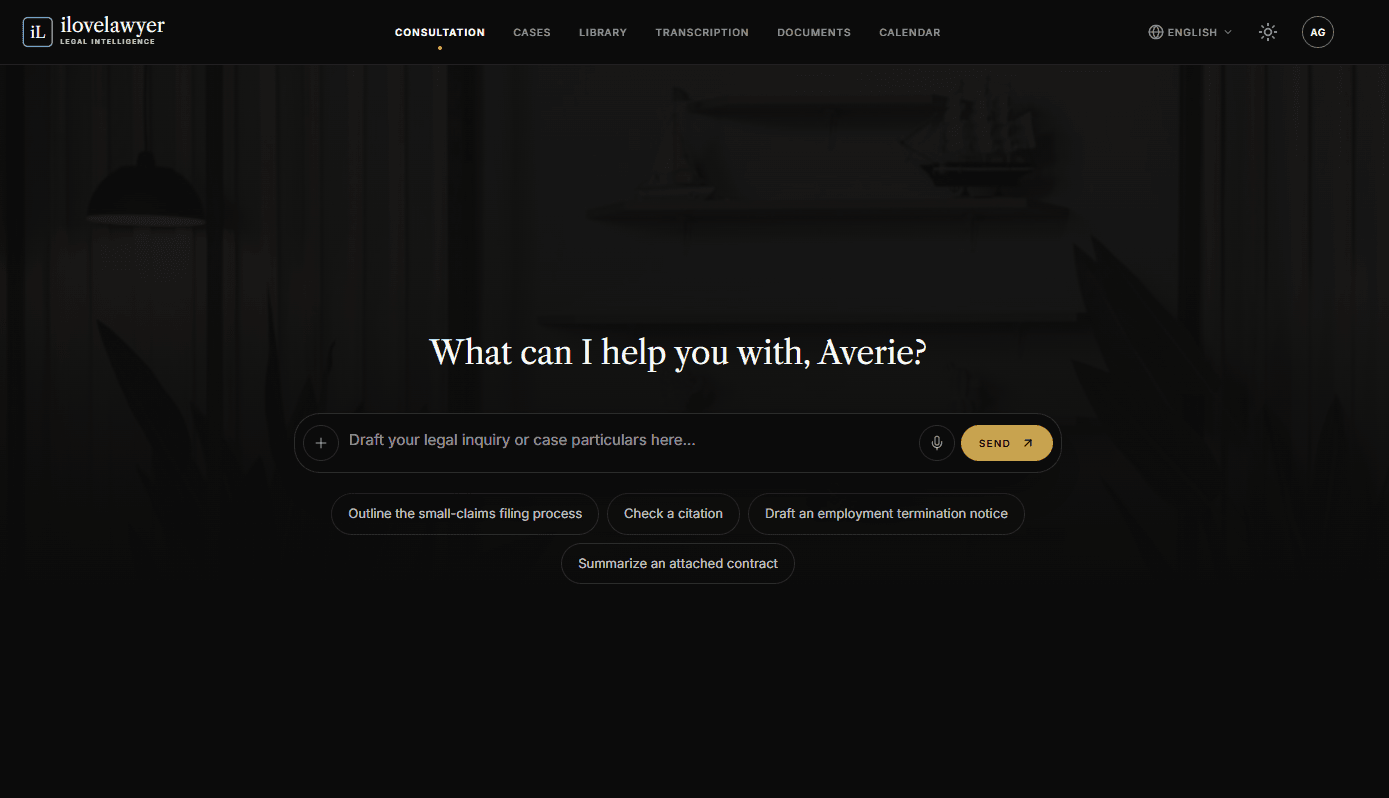
AI chat tools for lawyers are easy to over-promise. A more useful way to judge one is to look at what the screen actually gives you. Here is a walk-through of the Consultation screen in ilovelawyer, and what each part is for.
Where you start
The Consultation screen is the main workspace. You type your question or case details, attach files you can preview, or record the question by voice. Ready-made prompts cover common tasks: remedies for illegal dismissal, statute-of-limitations questions, cease-and-desist letters and contract summaries.
What it helps with
Picking up where you left off. A sidebar keeps recent consultations, with a "New chat" button. Each chat has its own link in the address bar.
Working inside a case. When a chat is tied to a case, a side panel lets you add documents, update the schedule, attach transcriptions or book appointments.
Finding precedent. Answers can point to relevant legal precedents, marked "Vetted" in the interface.
Organizing what you've learned. Once there is enough conversation, a Mind Map tab appears next to Chat and Timeline.
Turning answers into drafts. A "Compose email" button converts a response into an editable email for a client or colleague.